KDE Neon 16.04 To 18.04
KDE Neon Stable release update to 18.04
Fonte: https://community.kde.org/Neon/BionicUpgrades
1) Update your system using Plasma Discover


2) Edit /etc/update-manager/meta-release e.g. with
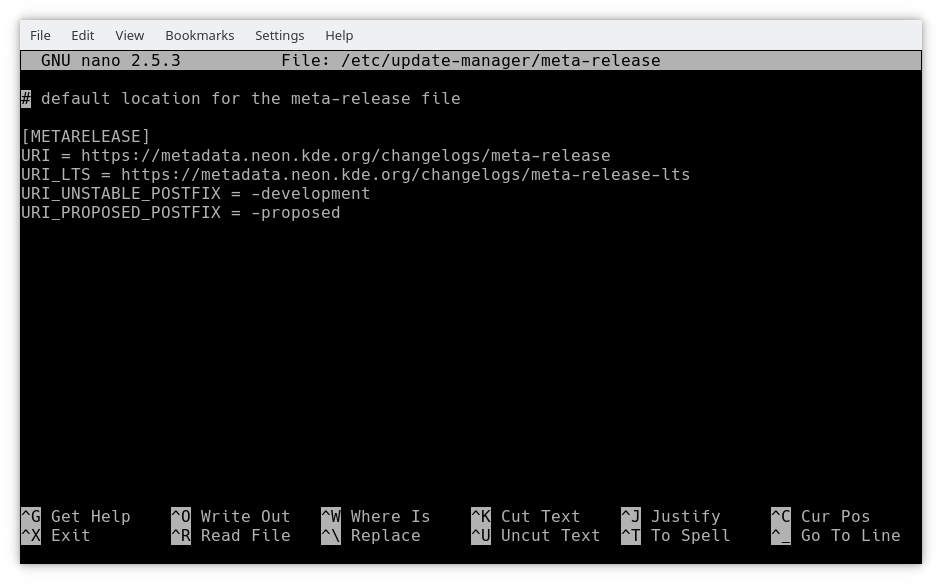
sudo nano /etc/update-manager/meta-release and edit releases.neon.kde.org to be metadata.neon.kde.org/changelogs/
3) Log out and log back in again
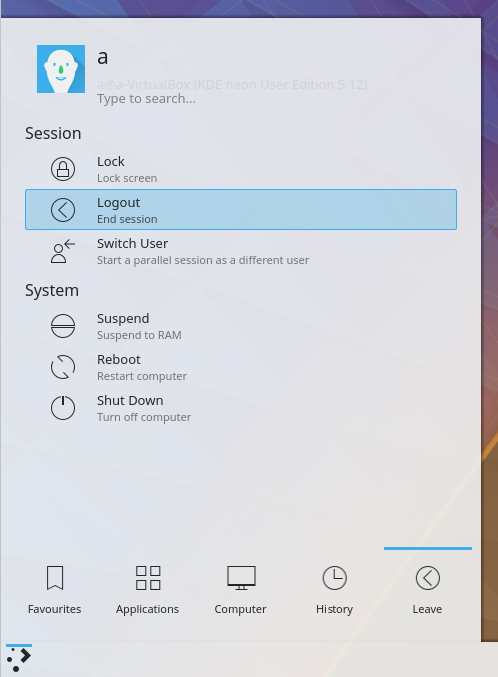

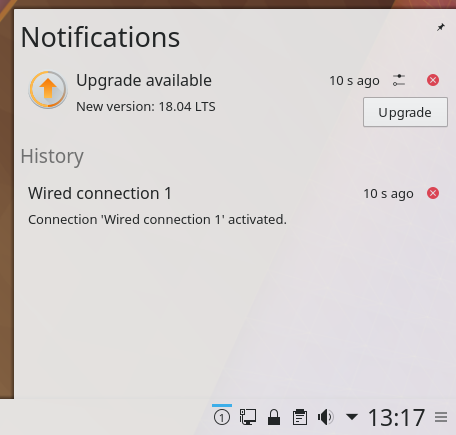
4) You will be notified of a new release

5) Review the release notes from Ubuntu
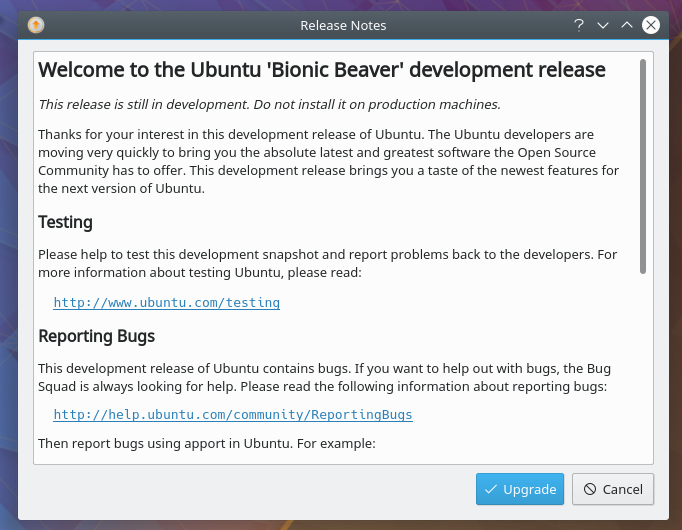

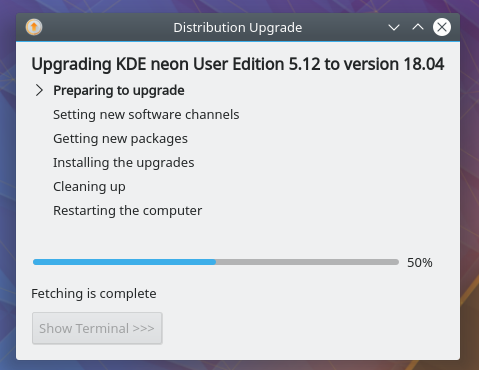
6) Upgrader will run

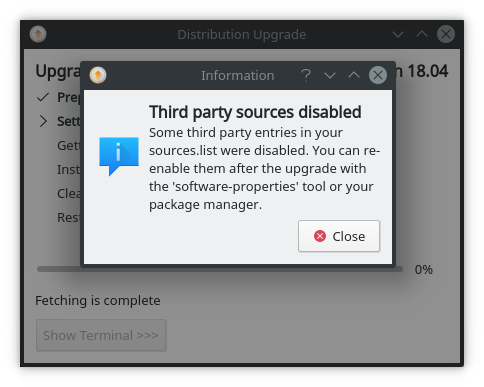
If you have any additional repositories enabled you will get a message similar to this. Click close and you can re-enable the repositories after the upgrade if needed

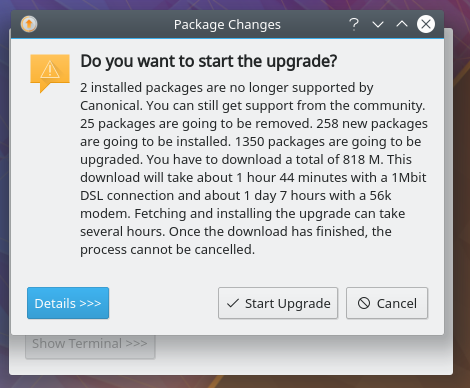
7) You now get to choose to start the upgrade

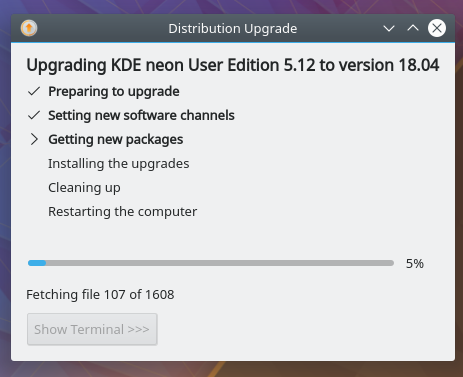
8) Have a cup of tea while it downloads and installs the upgrade

9) Click
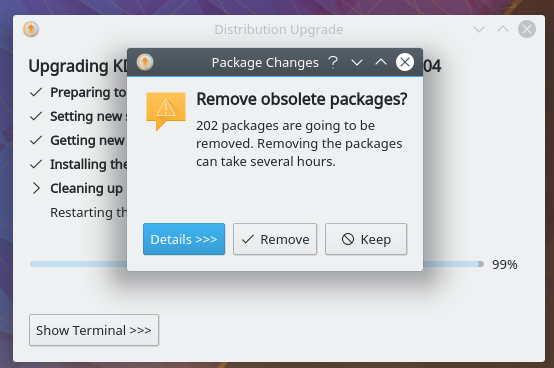
Remove to remove obsolete packages
10) Click
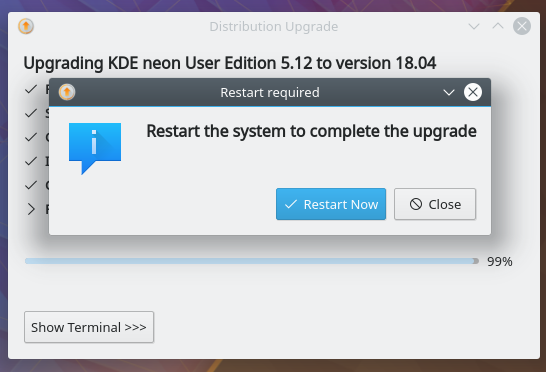
Restart Now
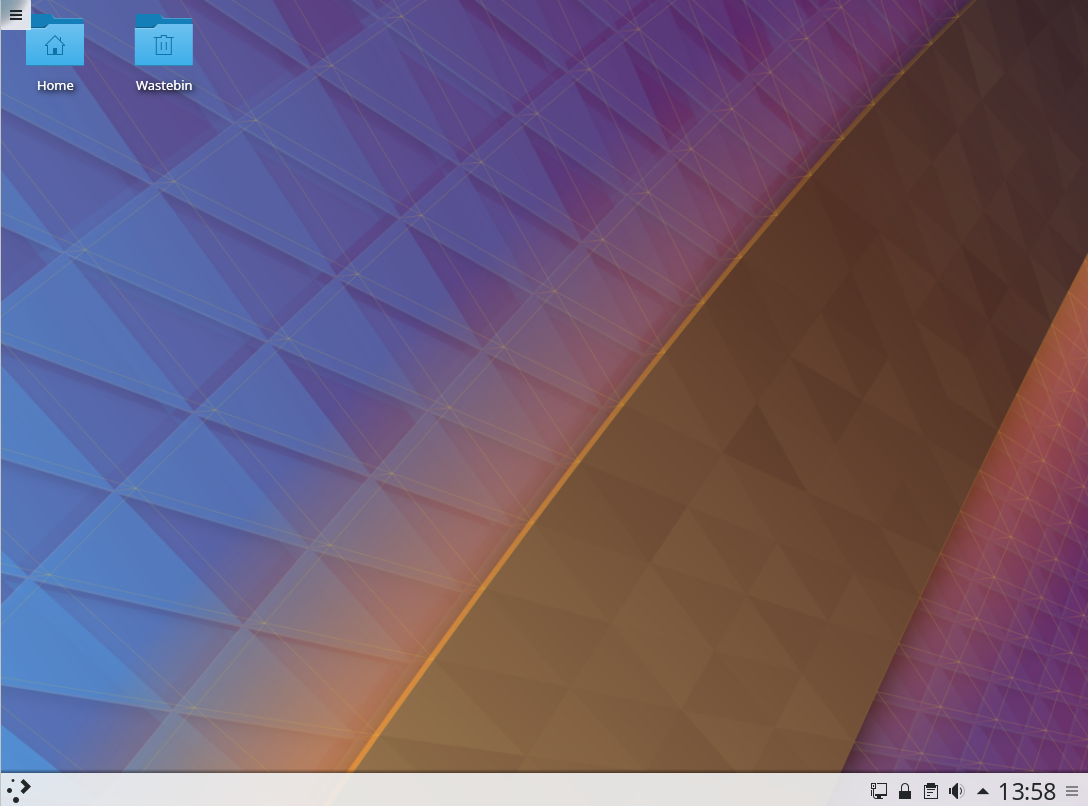
11) Welcome to your updated KDE neon running on Bionic


Comentários
Postar um comentário